 CMSDocumentation
Help & documentation
Everything you need to run your DuoCMS website
Step-by-step guides for the people who keep websites up to date, and technical reference for the developers who build them.
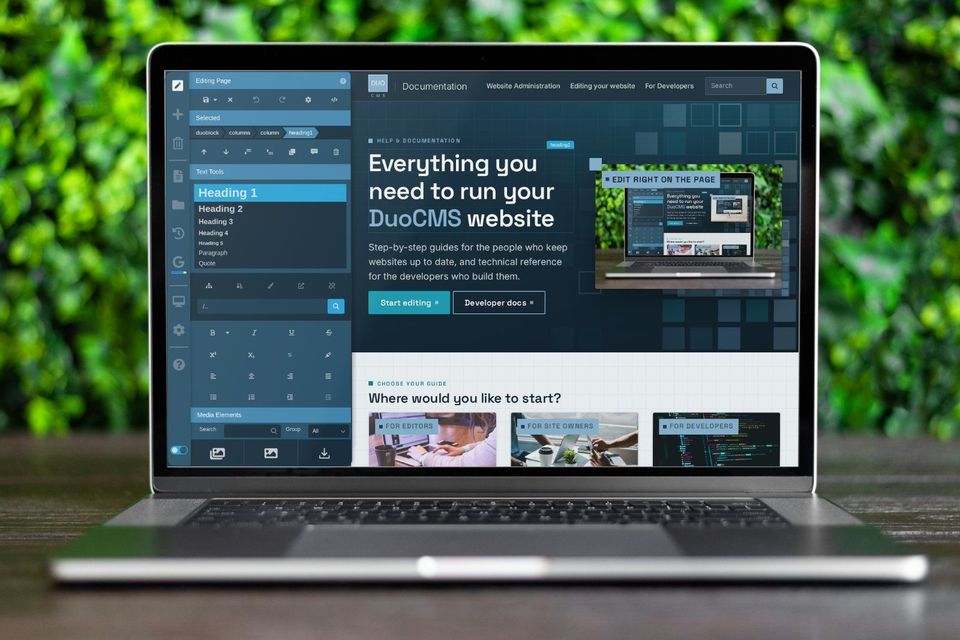
Edit right on the page
Choose your guide
Where would you like to start?

For editors
Editing your website
Change words and pictures, add pages, and keep your site up to date. No technical knowledge needed.

For site owners
Website administration
The admin panel: who's signed in, users and groups, forms, analytics and settings.
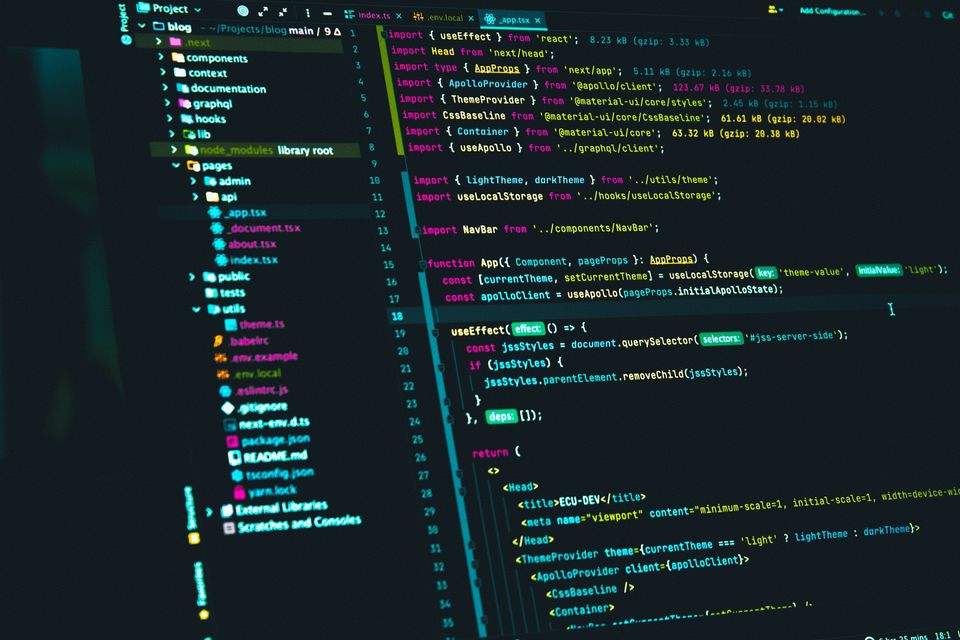
For developers
Developing websites
Architecture, master templates, server-side guides and upgrade notes for DuoCMS 8.
How it works
Edit your website like you edit a document
DuoCMS puts the editor on your website itself. Go to the page you want to change, open the toolbar and start typing. There's no separate back office to learn.
Type and paste straight onto the page
Drag in pictures, video, maps and forms
Save a draft, or bring back an earlier version
Check how a page looks on a phone before you publish

Changes show as you type, exactly as visitors will see them.
Popular topics
Jump straight in
Adding imagesFrom the file library or your computer
Adding and moving pagesMenus, addresses and page settings
Video, maps and formsEverything in the Media Elements menu
Undoing a changeHistory, drafts and bringing pages back
Master templatesBuild a site's layout in the editor
Upgrading DuoCMSNotes for each version
Can't find what you're looking for?
Use the search at the top of every page, or ask whoever looks after your website. They can usually answer in minutes.