 CMSDocumentation

Website administration
Ecommerce
Ecommerce is where you run your website's shop: what's for sale, the orders that come in, sales figures, discount codes and delivery charges. It's only in the admin menu if your website has a shop.
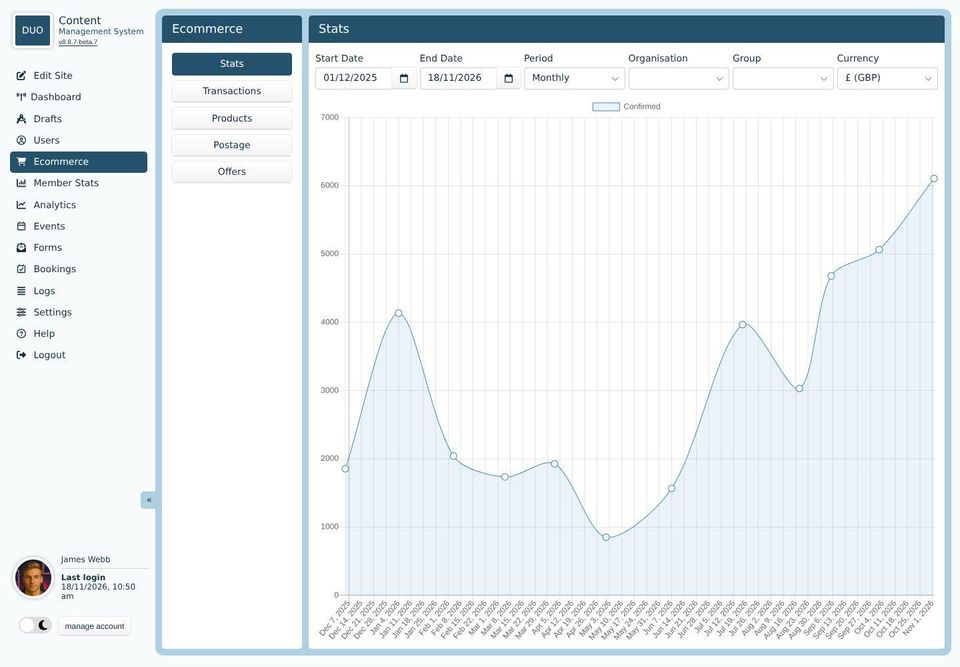
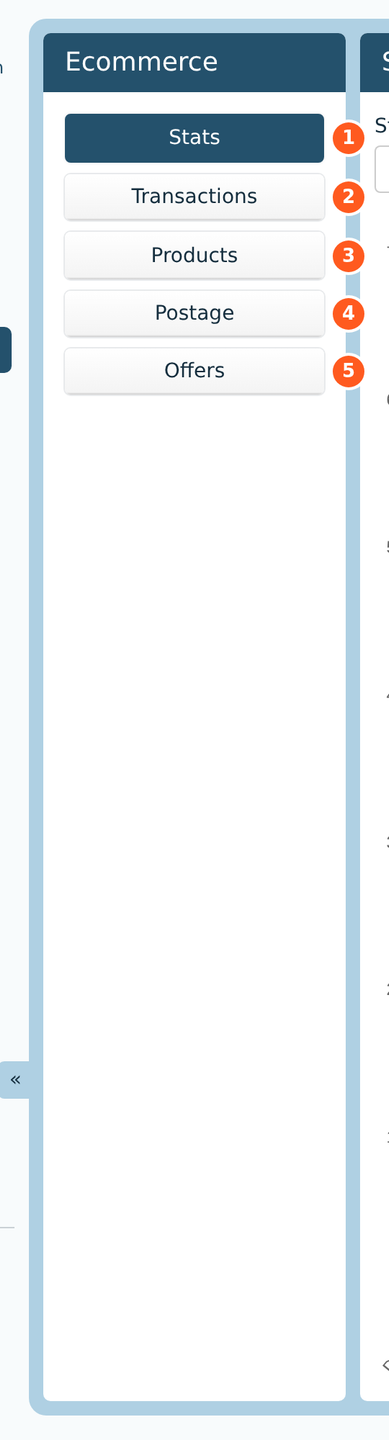
Ecommerce has its own menu, down the left of the screen:
Stats: a graph of sales. Ecommerce opens here.
Transactions: every order, paid or not.
Products: the things you sell, their prices and stock.
Postage: delivery charges, and the countries you deliver to.
Offers: discount codes.
Some websites don't have Postage or Offers.
How a sale works
A visitor adds a product to their basket, from a page with the product's price tag on it.
At the checkout, they give their name and address, and their delivery address.
They pay by card on the payment company's website, or ask for an invoice if your website allows it.
The order appears in Transactions as soon as they reach the payment page. Once the payment company says they've paid, it's marked paid, and they're emailed an invoice.
Which payment company your website uses, VAT, and what the invoices say are set in the admin's Settings, under Ecommerce Settings.