 CMSDocumentation

Website administration
Products
Products lists everything your shop sells, with its price, how many are left and its weight.
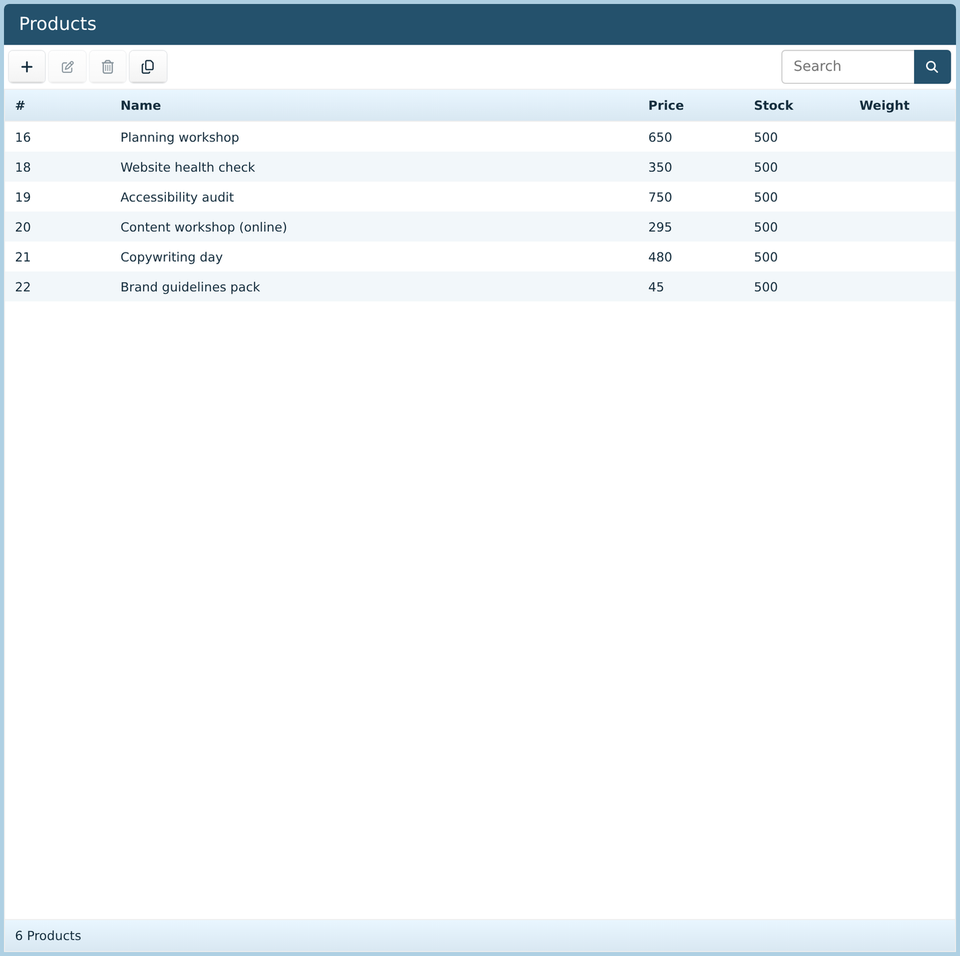
Click Add above the list to add a product, or double-click one to change it. Delete takes a product off sale.
A product
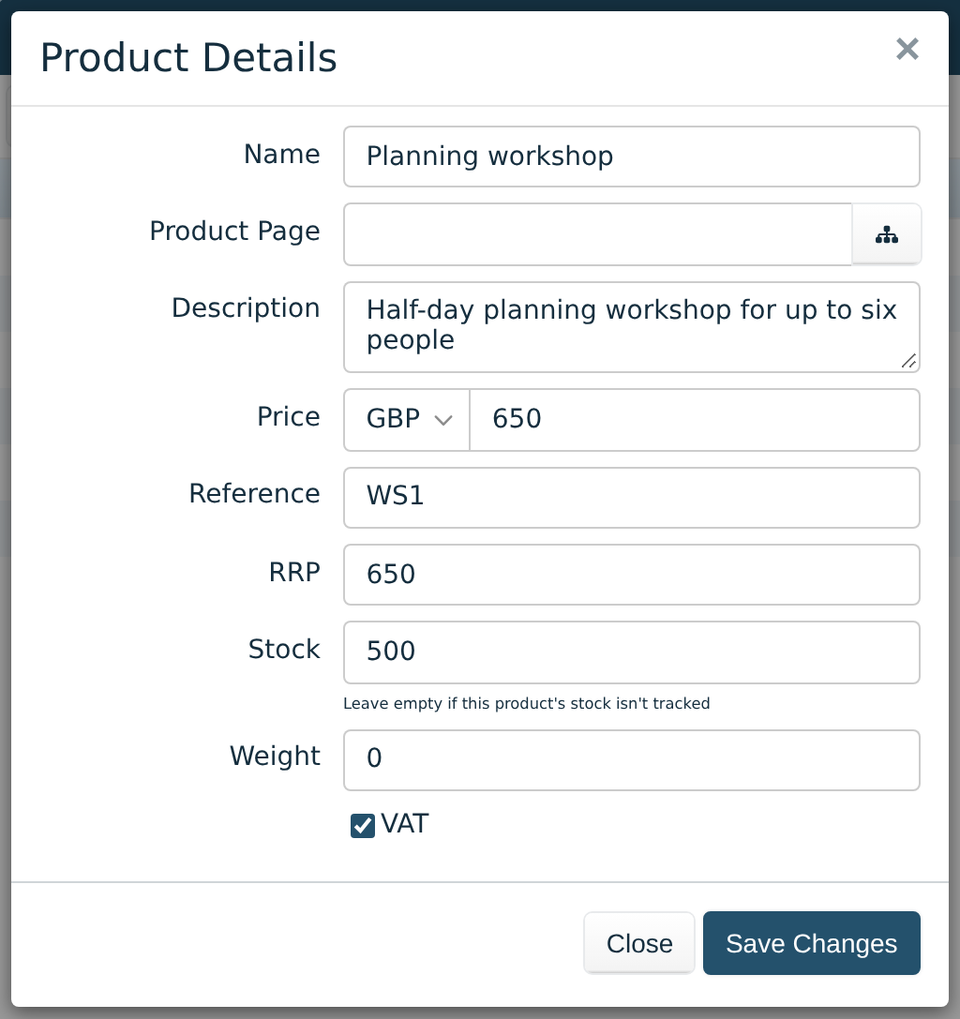
Name and Description show in the basket, at the checkout and on the invoice.
Product Page is the page that sells it. The button beside it picks a page.
Price is what it costs, in the currency on the left.
Reference is your own code for it, such as a stock number.
RRP is the usual retail price, for when you sell below it.
Stock is how many you have. Leave it empty for things you don't count, such as services or downloads. Whether the website counts it down as things sell, and stops selling at 0, depends on two tickboxes in Ecommerce Settings. With both off, it's only a note for you.
Weight, in kilograms, works out the postage. Leave it at 0 for things that aren't posted, such as services or downloads.
VAT: tick it if VAT is charged on this product.
Putting a product on a page
Visitors buy from your pages, not from here. In the editor, drag a Price Tag onto the page, from Media Elements, and choose the product. It shows the price and a button to add it to the basket. See Media elements in the editor guide.