 CMSDocumentation

Website administration
Transactions
Transactions lists every order placed on your website, newest first. Open one to see who placed it, what they bought, and its invoice.
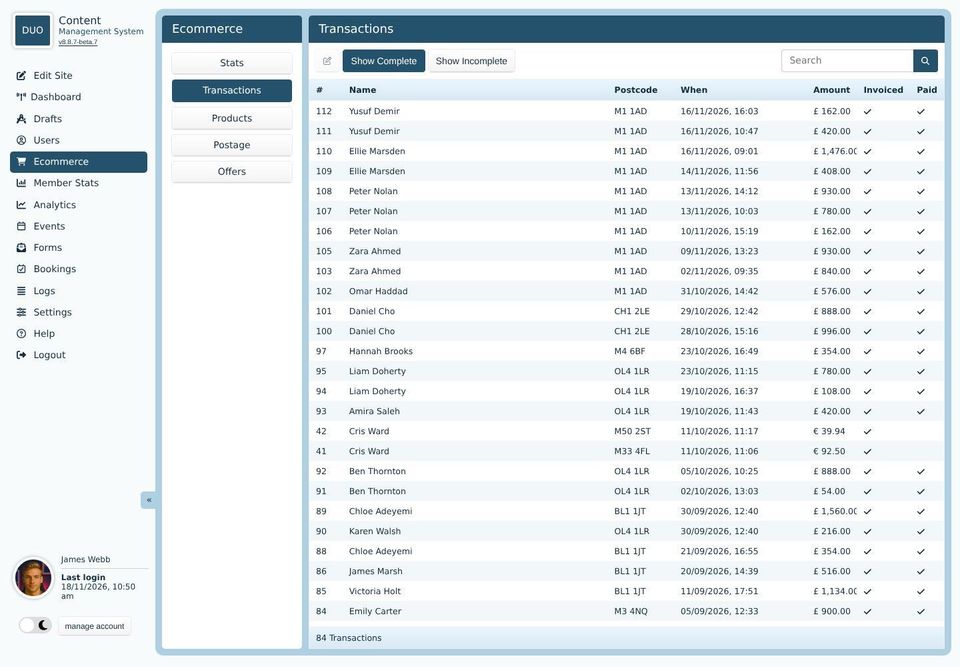
The list
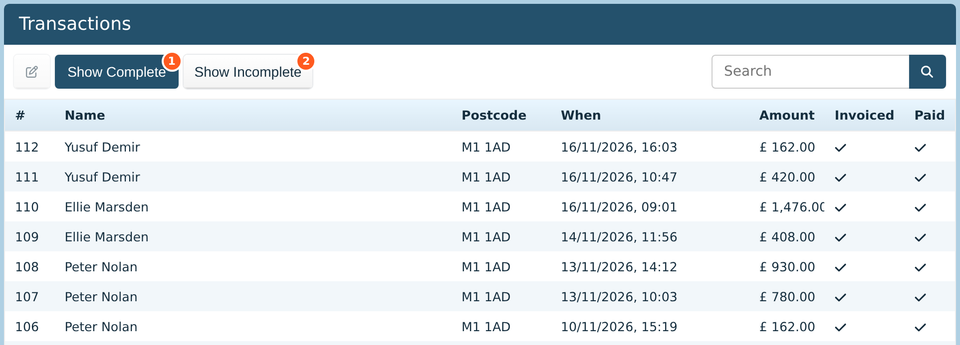
Show Complete lists finished orders. The list opens with these.
Show Incomplete lists orders that haven't finished, usually because the buyer didn't pay. Most are people who changed their mind at the payment page.
Each order shows its number, the buyer's name and postcode, when it was placed and how much it was for. Invoiced is ticked once the order is complete, and Paid once it's been paid for. Type in the search box to find an order by name or postcode.
Orders can't be deleted, so your records stay complete.
An order
Double-click an order to open it.
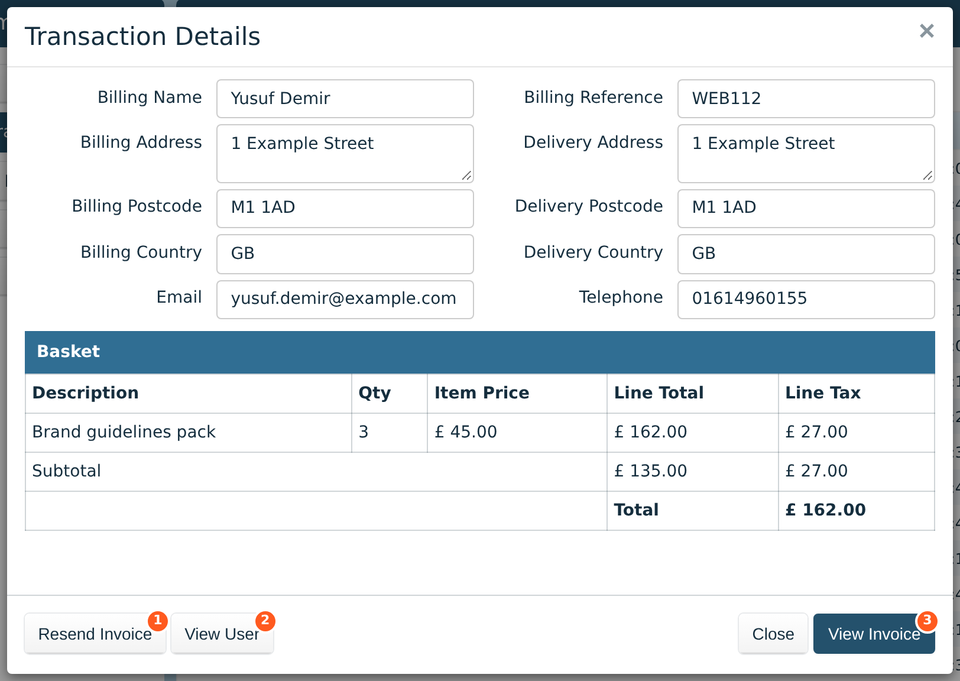
The top half shows the buyer's billing and delivery details. Billing Reference is the order's reference, which is also on its invoice. Under that, Basket lists what they bought, with the VAT and the total.
Resend Invoice emails the invoice to the buyer again, for when they've lost it.
View User opens the buyer's details in Users. It's only there if they were signed in when they bought.
View Invoice opens the invoice, to print or save.
Marking an order paid

An unpaid order has Confirm Transaction instead of Resend Invoice. Click it when you know the buyer has paid some other way, such as a bank transfer for an invoice. The order is then marked paid and complete.
Only confirm an order when you're sure the money has arrived. Card payments are confirmed by the payment company on their own, so there's no need to confirm those.
If your website sends orders to the accounts software Xero, the list has an On Xero column, and a button to open the order's invoice there.