 CMSDocumentation

Website administration
IP Whitelist
The IP Whitelist limits where your website can be edited from. When it lists any addresses, the editor only opens for people connecting from one of them, such as your office network.
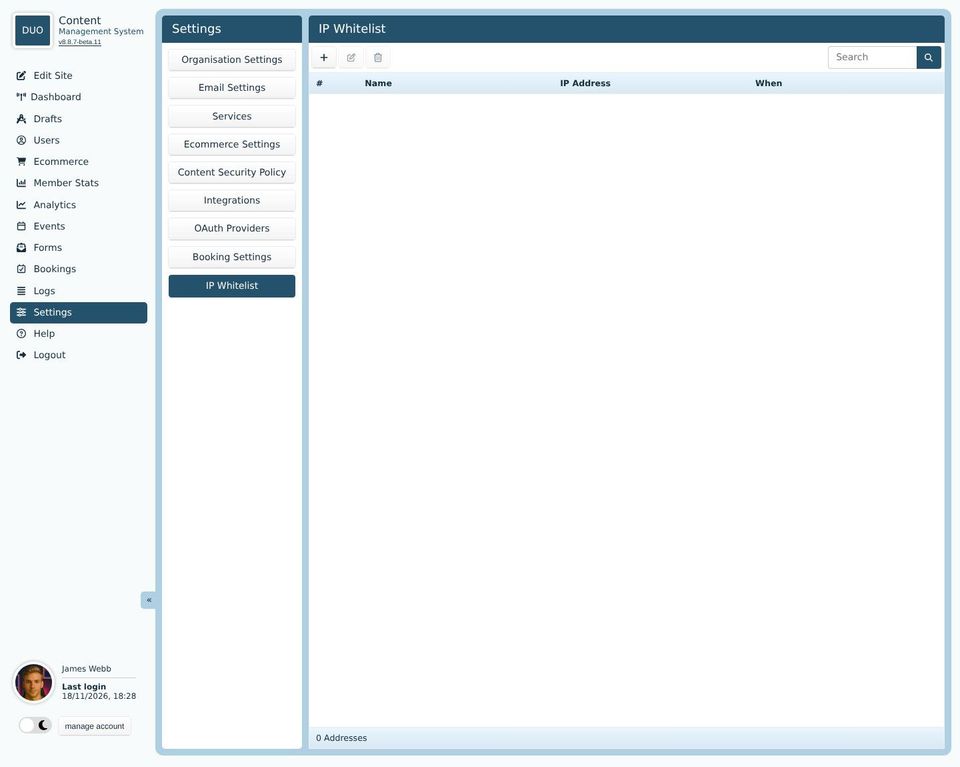
While the list is empty, the editor works from anywhere.
Click + to add an address. Give it a Name you'll recognise, such as "Head office", and the IP Address. Your IT support can tell you your office's address, or a range such as 203.0.113.0/24 that covers several.
Add your own address first. If you work from home, or your office's address changes, you won't be able to open the editor until someone at a listed address adds you.
The list only covers the editor. Your website, and signing in to it, work as usual from anywhere. To block an address altogether, see Logs, IP Blocks.